
Opened 16 years ago
Closed 15 years ago
#2436 closed enhancement (fixed)
support of paletted rgba output
| Reported by: | tbonfort | Owned by: | tbonfort |
|---|---|---|---|
| Priority: | normal | Milestone: | 5.6 release |
| Component: | Documentation - MapServer | Version: | unspecified |
| Severity: | normal | Keywords: | png palette quantize rgba |
| Cc: | jmckenna |
Description
mapserver currently supports writing a palette based png image, either by automatic quantization or by a user supplied palette. This functionality is supplied by the GD function gdImageCreatePaletteFromTrueColor which does not support creating a palette for images where the alpha channel is significant.
this ticket tracks the addition of paletted png output for rgba images, using the same OUTPUTFORMAT options as for rgb images, i.e QUANTIZE_FORCE and PALETTE_FORCE.
Attachments (3)
Change History (10)
by , 16 years ago
by , 16 years ago
| Attachment: | rgbapalettegd.png added |
|---|
current output when using rgba and quantization
comment:1 by , 16 years ago
committed in r7221
functionality is enabled if configure is run with the --with-experimental-png flag
leaving open until documentation is updated
comment:2 by , 16 years ago
| Component: | MapServer C Library → MapServer Documentation |
|---|
comment:3 by , 16 years ago
| Cc: | added |
|---|
comment:4 by , 16 years ago
it is activated when the ./configure script is run with the --with-experimental-png switch, which checks for the libpng headers. this means that the libpng headers have to be installed and accessible on your system (apt-get install libpng-dev or the equivalent with yum/yast/etc...)
to activate these outputs in your mapfiles you'll need to set some FORMATOPTION entries to the wanted OUTPUTFORMATs, eg
to force quantization
(creates a paletted png, with the palette automatically created/selected for each rendered image)
OUTPUTFORMAT
    NAME 'AGGAQ'
    DRIVER AGG/PNG # not AGG specific, also works with GD. PNG is mandatory though
    IMAGEMODE RGBA  # only for rgba imagemodes
    MIMETYPE "image/png"
# this is the important part
    FORMATOPTION "QUANTIZE_FORCE=ON"
# this specifies the number of colors wanted in the final image
# 256 is the typically wanted value
# values 17 to 255 are possible but don't really make sense as there's
# little reduction in file size compared to 256 (each pixel is still
# stored with 8 bits, only the palette is smaller)
# 16 greatly reduces image size (and quality, no magic)
    FORMATOPTION "QUANTIZE_COLORS=256"
END
to use a specified precomputed palette
(faster than quantization, and guarantees colors are consistent whatever the image created, but less flexible as the palette has to be precomputed and is fixed whatever is in the image)
OUTPUTFORMAT
    NAME 'AGGAP'
    DRIVER AGG/PNG
    IMAGEMODE RGBA
    MIMETYPE "image/png"

# the important part
    FORMATOPTION "PALETTE_FORCE=TRUE"
    FORMATOPTION "PALETTE=/path/to/palette.txt"
END
here the palette file must be specified with an absolute path, and contains at most 256 lines, each consisting of an r,g,b,a quadruplet, eg:
0,0,0,0
127,127,127,2
196,226,251,237
170,170,170,2
191,191,191,4
196,225,251,233
...
snip
...
163,189,242,57
137,158,242,56
118,137,241,48
184,213,245,75
to obtain this palette, take a typical (32bit rgba png) image you will want to display, use your favorite image editor to reduce the number of colors (photoshop using "save web image" and selecting png, or the commandline utilities pngquant http://libpng.org/pub/png/apps/pngquant.html or neuquant http://members.ozemail.com.au/~dekker/NEUQUANT.HTML, etc ) and then extract (and transform to the required r,g,b,a format) the computed palette to the palette file. ( pngcheck http://www.libpng.org/pub/png/apps/pngcheck.html with its -p option and some scripting can be used for this )
Jef, I can update the online docs with this. What's best, a specific howto or an update to the official documentation?
comment:5 by , 16 years ago
This optional feature seems to be great. Is it possible to enable it into the next final build for windows users ? Thks
comment:6 by , 15 years ago
Here's a quick hack of a script to get the output for the palette file from pngcheck.
pngcheck -p input.png | ruby -n -e 'next if !/=/; puts $_.gsub(/^.*?\(\s*?(\d+),\s*?(\d+),\s*?(\d+)\) =.*?$/, "\\1,\\2,\\3")'
comment:7 by , 15 years ago
| Resolution: | → fixed |
|---|---|
| Status: | new → closed |
closing as this is implemented and documented. further bugs should be opened in new tickets


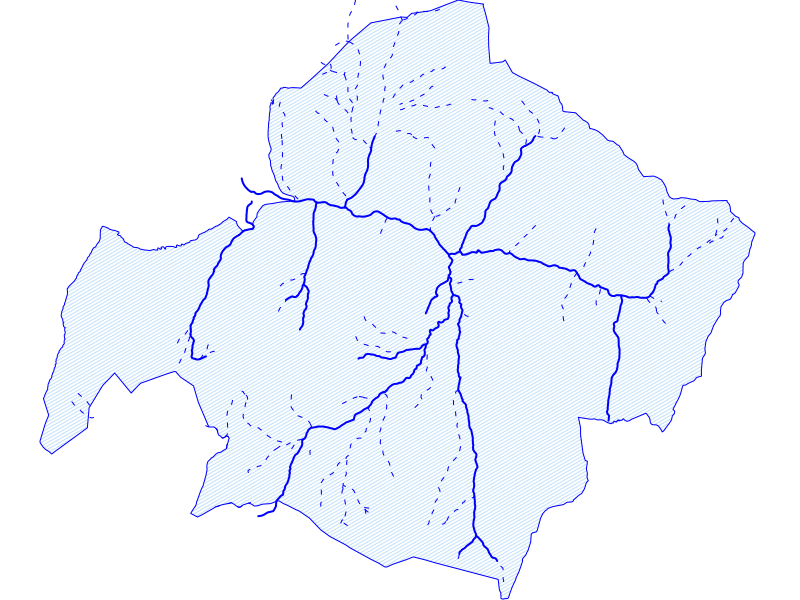

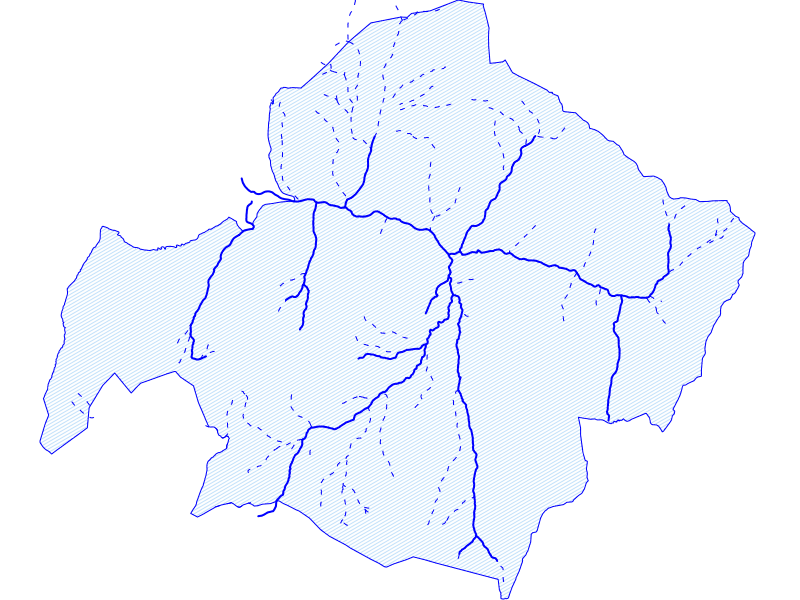

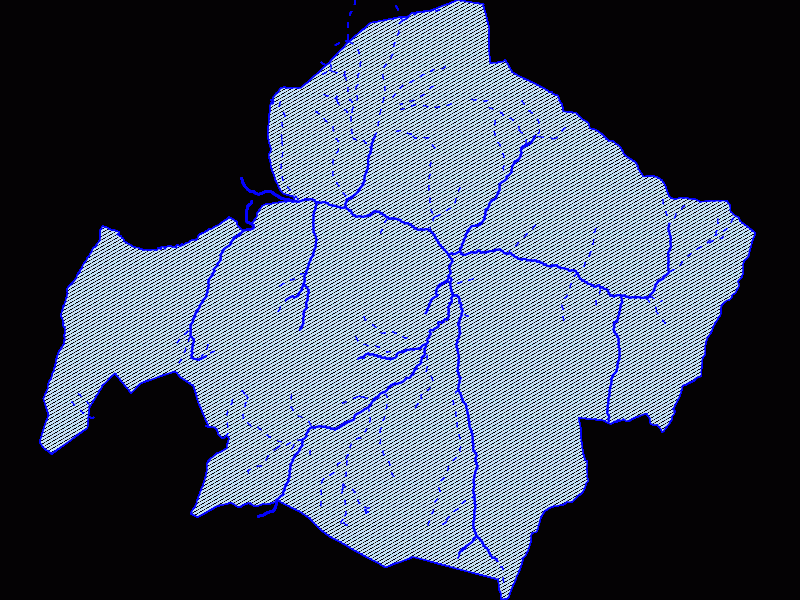
typical rgba output - this is the reference file in 32-bit RGB+alpha